New! Transflo Loads Workflow 2.0 Studio
As a Transflo fleet customer, you can have your administrators design load workflows and deploy them to the Mobile+ app for all your drivers.
 This product is in BETA phase for development and evaluation-use only (estimated to run from June - December 2025). Early beta-program participants can access the Loads Workflow Studio designer environment through the new Transflo web portal. Drivers will be able to access the new load features (called Loads 2.0 for simplicity) in a future beta release of the Mobile+ app (available in 2026 as a public commercial app, a private white-label app, or the in-cab tablet edition).
As a fleet administrator, follow these steps to log in to the Transflo portal and start the new Loads 2.0 Workflow Studio designer web application:
-
Your first step depends on whether you are a new user logging in for the first time or an existing user simply returning to log in again. Choose one:
-
Returning User: In a supported web browser, navigate to the Transflo portal:
https://portal.transflo.com (formerly https://one.transflo.com)
-
New User: Log in to wherever you get your email, open the welcome email from Transflo (if it is not in your Inbox, check your Spam or Junk mail folders), and click Activate My Account.
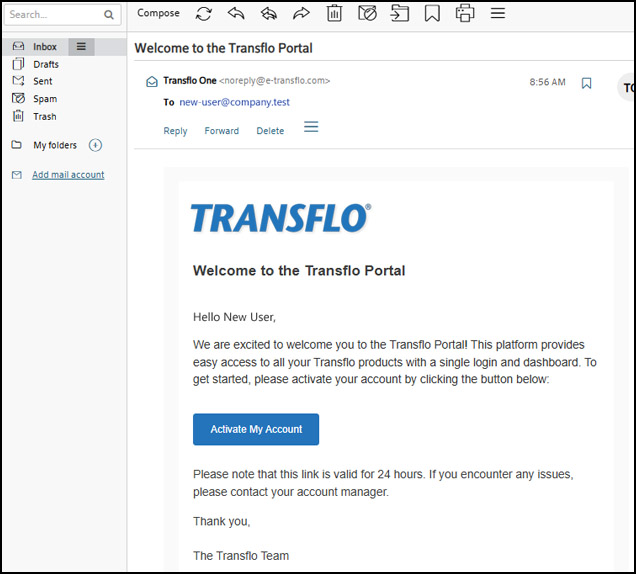
After you set your new password, you can log in as a returning user.
-
Create your new password. Follow the requirements.
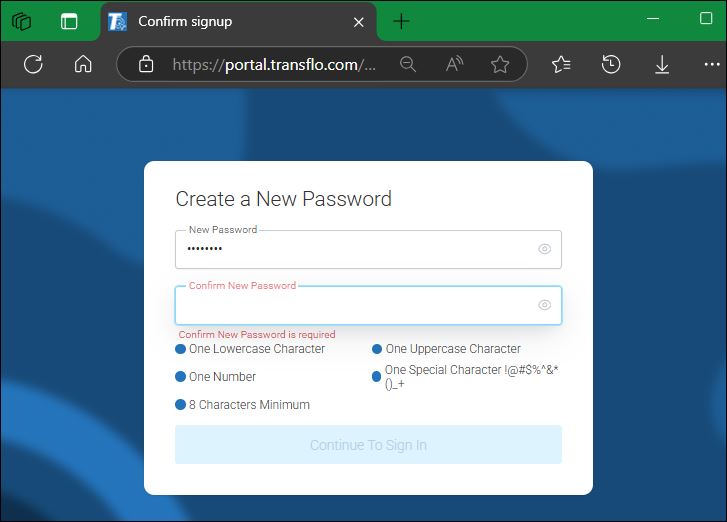
-
Confirm you know your new password by entering it one more time to verify it matches. If needed, you can show the actual characters (hidden with dots for your protection). Click Continue to Sign In.
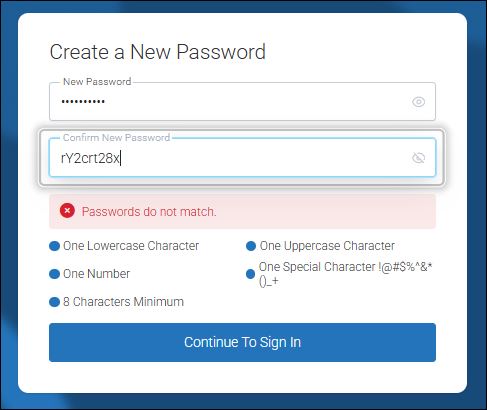
-
After you set your new password, you can log in as a returning user.
-
-
-
Enter your username (typically your email address) and password. Click Sign in.
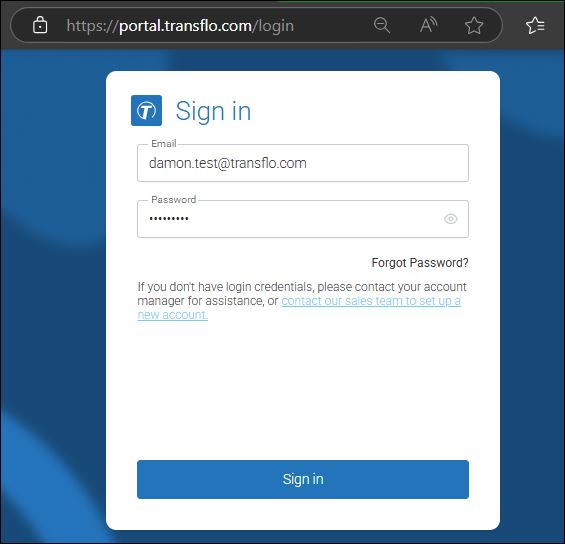
Tip: If you forget your password, click Forgot Password. See Transflo One Portal.
-
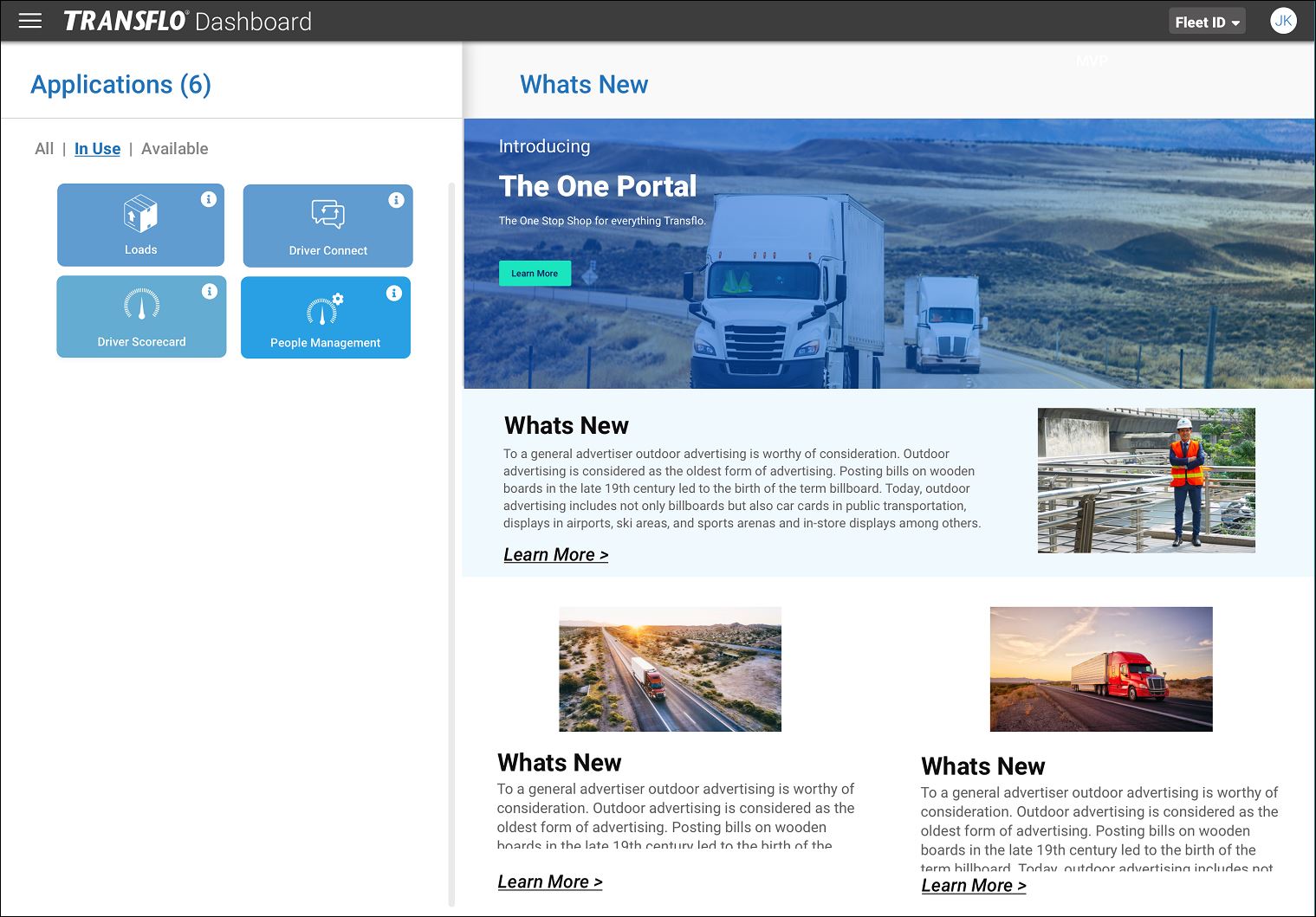
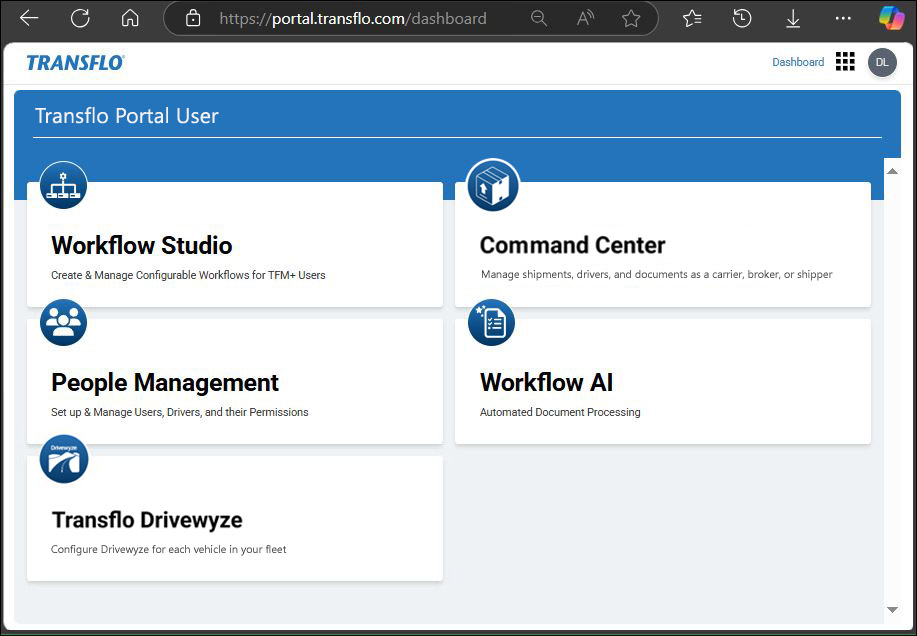
The Dashboard page shows the applications that your administrator has enabled for you. If you need access to the beta edition of Transflo Loads Workflow Studio and do not have a tile for Workflow Studio, contact your company administrator.
-
To open Workflow Studio, click the Workflow Studio tile. Transflo Loads 2.0 Workflow Studio documentation for fleet administrators and instructions for drivers are available in the Loads 2.0 knowledge base.
-
(Optional) To go back to the Transflo Portal dashboard, click Return to Portal.
-
When your work session has ended, click Log Out.
Tip: Until all Transflo applications are migrated to the new portal, you might need to continue using https://one.transflo.com to access your other applications.
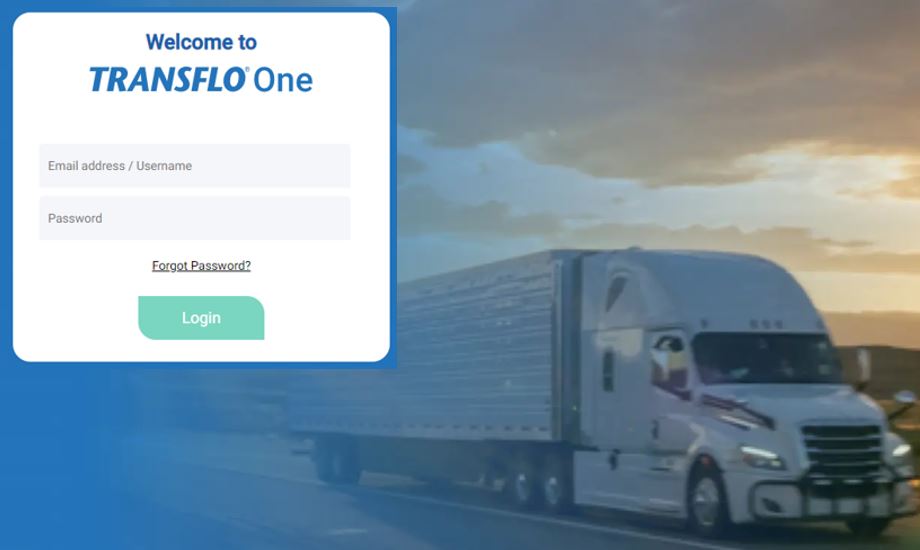
Transflo One Portal shows your assigned applications and related content on the dashboard.