Map
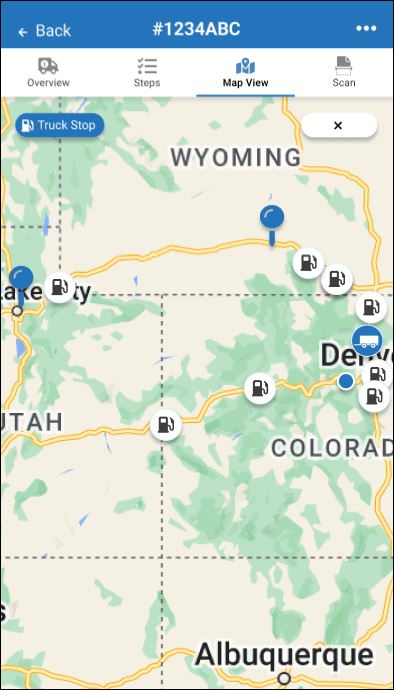
Tap Map View to view the load stops and other points of interest on a re-sizable map. Weather and fuel locations are planned future features and might not be available on your actual maps at this time.
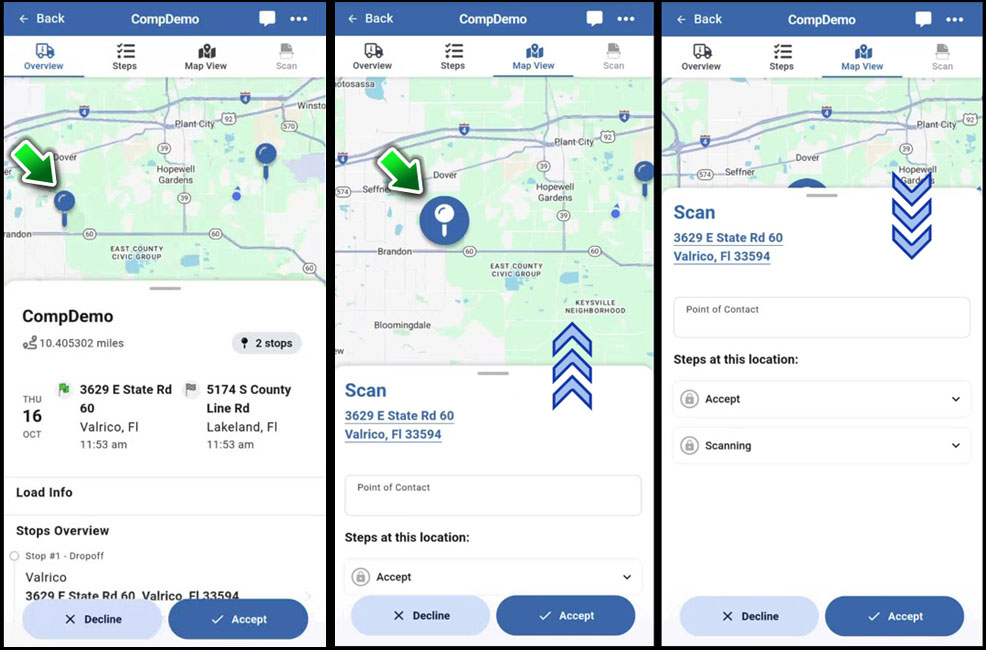
Example: Tap a stop to go to Map View.
 This KB article describes new features under development in the 2025-2026 pre-release BETA edition of Transflo Loads Workflow 2.0. All KB articles are subject to change with or without notice and will be updated to align with future product development.
Open a load and tap the Map View tab at the top.
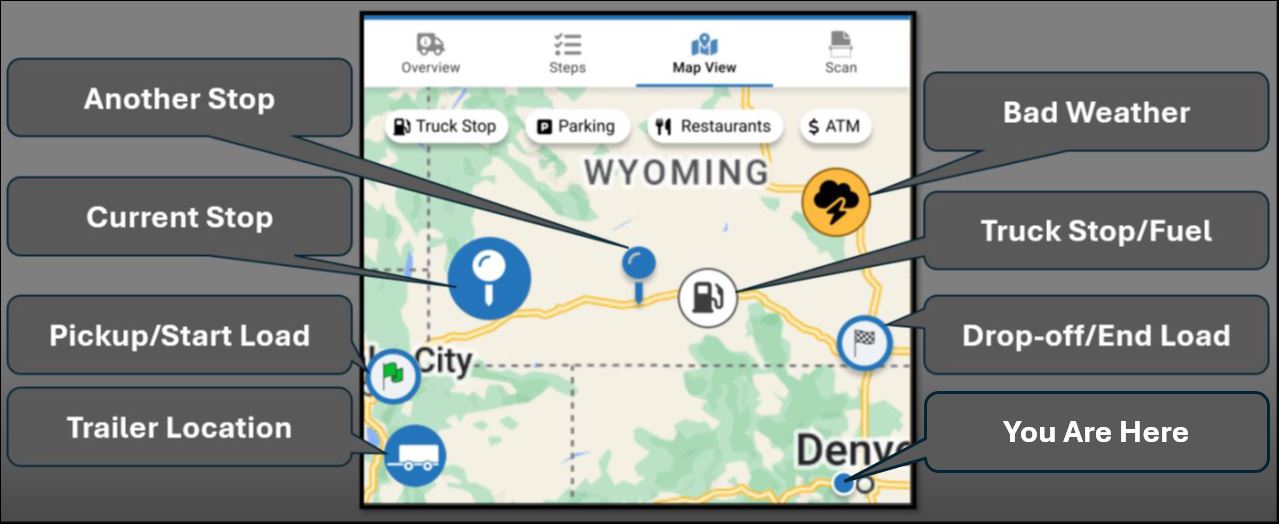
Tap one of the buttons along the top to show only those items. For example, tap Truck Stop, Parking, Restaurants, or ATM. The map shows the following items (features vary based on current location and your company setup):
Load pick-up and drop-off locations including any mid-route stops
Estimated Route
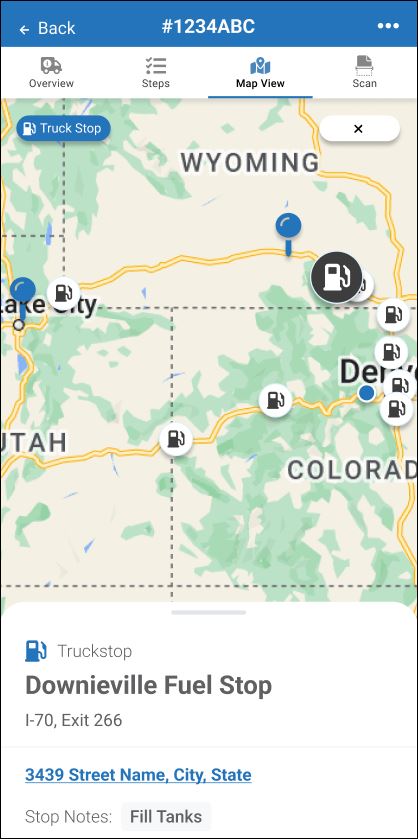
Truck Stops with Fuel
Restaurants
ATM Machines
Parking
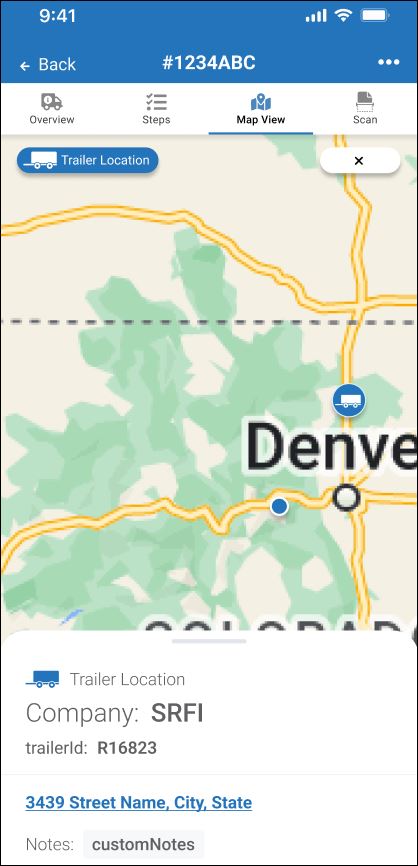
Last Known Trailer Location
Roads, cities, towns, topography, bodies of water, and major boundaries
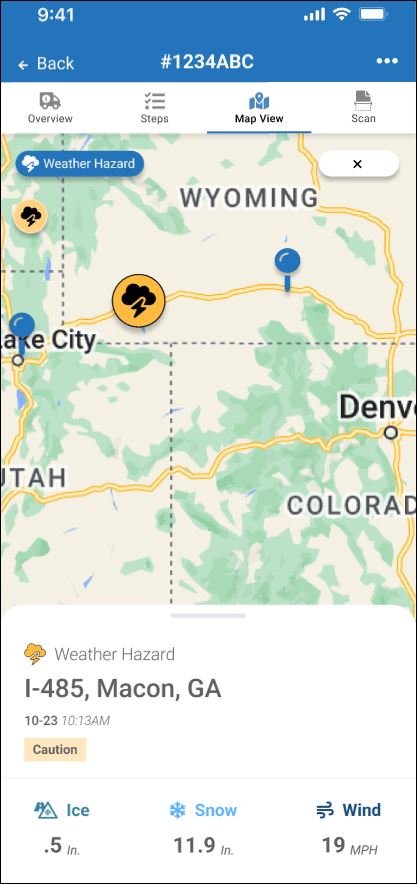
Hazardous Weather
To get more details, tap a specific item. For example, tap a single truck stop, trailer, or weather hazard.
Example A: Tap a weather hazard to view details about dangerous driving conditions such as wind, snow, or ice.
Example B: Tap a trailer to get its ID, street address, and view any important notes.
Example C: Tap a truck stop to get more info about it.
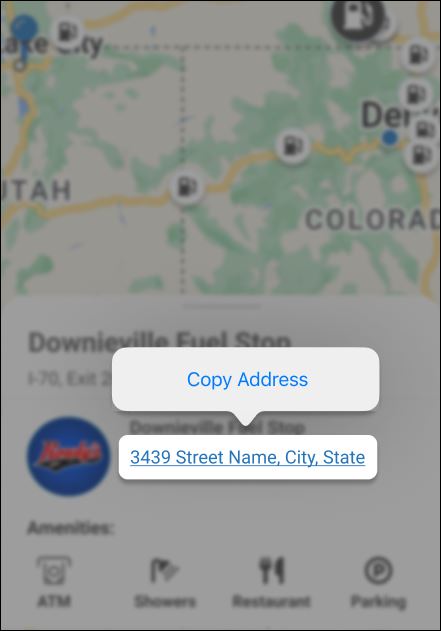
Example D: You can also view fuel station amenities such as showers, parking, restaurants (food), truck washes, and ATM cash machines. Follow the user guide for your operating system and device (Android, Samsung, Apple iOS, etc.) to copy the street address into your favorite map app for driving directions or just to save for your trip sheet.
When you are done viewing any specific items (for example, only fuel stations), tap X Close to go back to the standard map view.
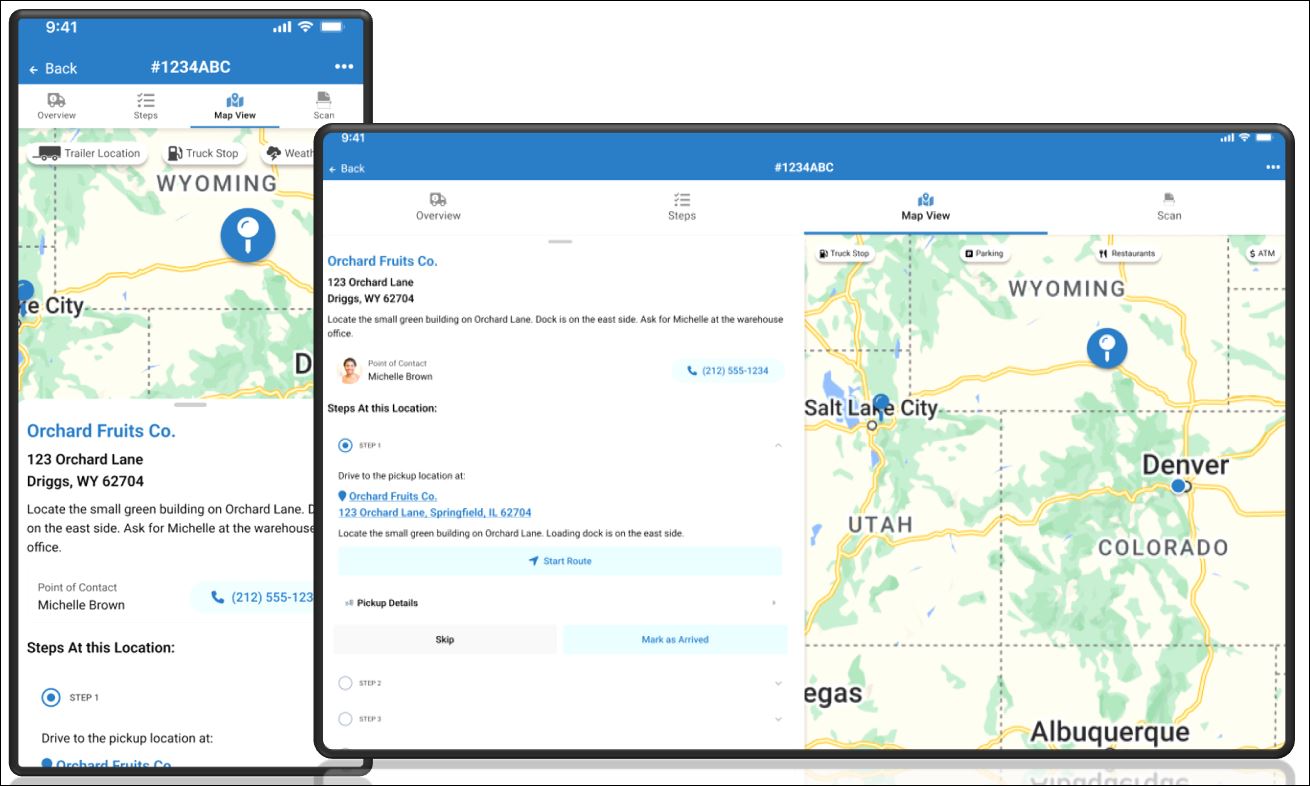
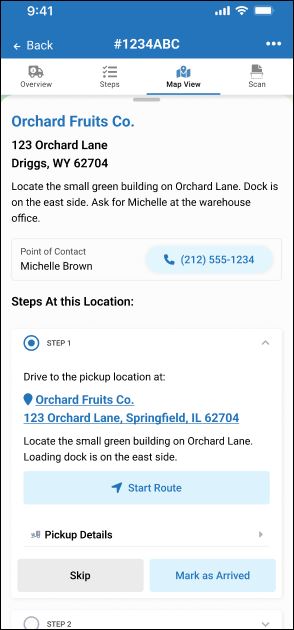
When you open the start (origination), middle stops, or end (destination) of a load in map view, scroll down to view more load details:
All steps appear (same as they appear on the Steps tab at the top).
If a telephone number appears, tap it to place a call (use a Bluetooth hands-free phone or stop and park before placing a phone call).
Tap any appropriate load status milestones, events, or action buttons. For example, Start Route or Mark as Arrived.
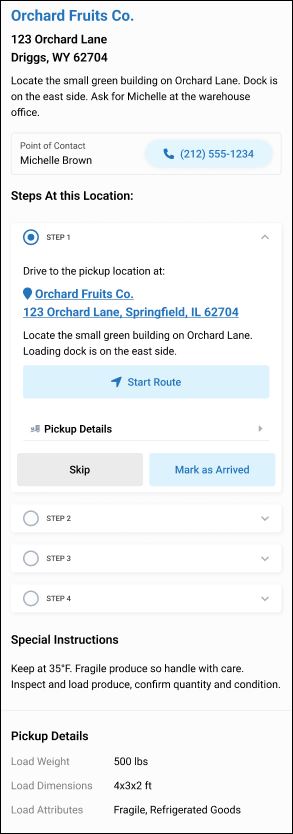
Keep scrolling down to view more details.
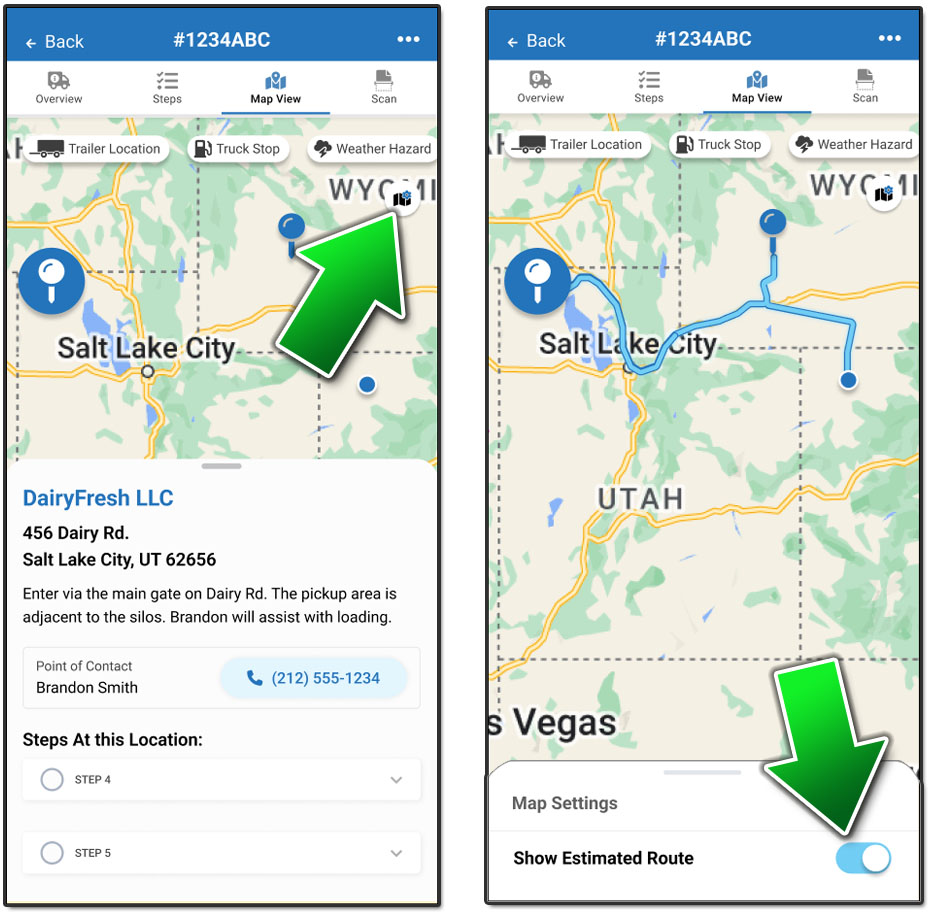
To see an estimated route that highlights possible roads to take from start to finish (including any middle stops),
Tap any stop on the route.
Tap Map Settings.
Turn ON the Show Estimated Route setting.